I’m sharing it because I want more people to experience this moment.
That quiet little spark where you realize:
“Oh… this really does work.”
Not because you spent hours surfing. Not because you clicked until your eyes crossed. But because of the small, steady things you kept doing:
Showing up
Placing ads
Letting people see you over time
A lot of people are still just going through the motions — and honestly, most of us start that way.
But something shifts when you begin seeing results like this. It’s not loud. It’s not flashy. It’s just a simple reminder that your effort is adding up.
You don’t have to do everything. You just have to do a few things with intention.
This didn’t happen overnight. It came from consistency — even on the days it felt like nothing was happening.
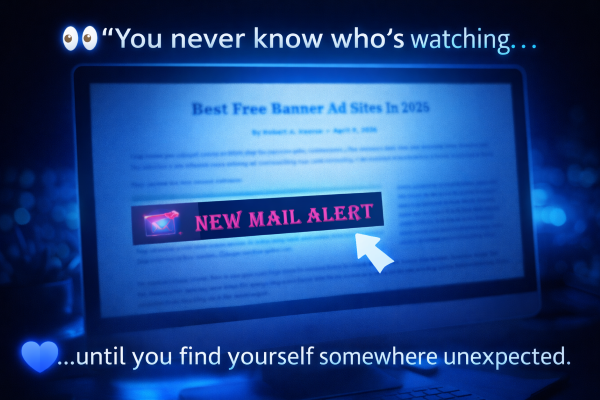
I was just being a little nosey today… Scrolling through a blog post about free banner sites… And all of a sudden… There it was.
👉 New Mail Alert… sitting right there on someone else’s page.
I’ll be honest… That made my day 😊 Not because it was ‘mine’…
But because it reminded me of something important. You never really know who’s watching. You never know where your site is going to show up… Or who decides to share it. So I did what I always try to do when I see something like that… I reached out, said thank you… And gave him a spotlight package.
Because that’s the kind of promoting I believe in. Not just clicking…
But noticing. Appreciating. Encouraging.
And here’s the part I want to leave you with… 👉 This didn’t come from just surfing. It came from showing up… over and over again.
So if you ever wonder if what you’re doing matters… It does.
And it’s one of those things that seems so obvious to me — but somehow gets missed all the time.
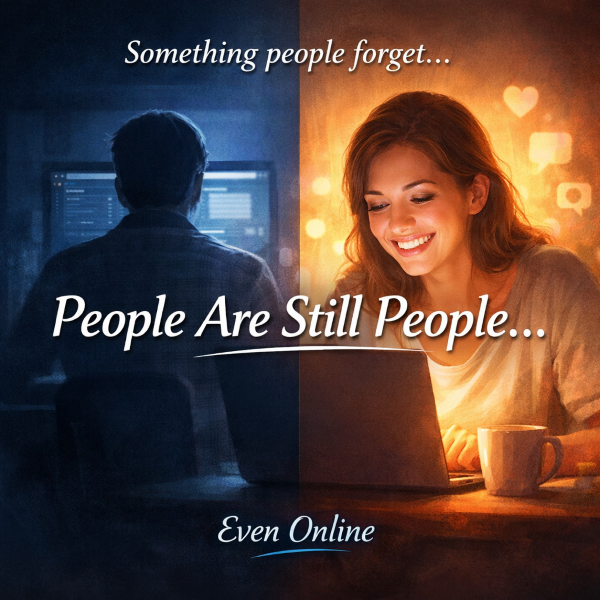
People are still people.
Even online.
We may not be face to face… We may never shake hands… We may never even hear each other’s voices… But that doesn’t mean we don’t feel each other. Because we do.
💭 You Can Feel It… Even Through a Screen
Have you ever landed on a site and thought:
“Something feels off here…”
“I don’t feel comfortable…”
“This just feels… cold”
You may not be able to explain it. But you feel it.
And the opposite is true too. You land somewhere and think:
“I like this place”
“This feels welcoming”
“I want to stay here a bit”
That’s not an accident. That’s the vibe.
🛍️ This Isn’t Just an “Online Thing”
I’ve always looked at this the same way I did in my offline businesses.
Whether it was my gift shop… or years in landscaping…
One thing was always true: 👉 How you treat people matters. Not just what you offer. Not just what you sell. But how people feel when they interact with you.
🍕 Two Pizza Places on the Same Block
I’ve used this example before… Two pizza places.
Same size. Same location. Same menu.
But one owner:
knows your name
smiles when you walk in
makes you feel like you belong
The other?
just takes your order
barely looks up
treats you like a number
Which one do you go back to?
📺 It’s the “Cheers” Effect
Remember the show Cheers?
“Where everybody knows your name”
That feeling didn’t disappear just because we moved online. If anything… People need it more now.
⚠️ Where Things Go Wrong Online
Somewhere along the way, people started thinking:
“It’s online… so it doesn’t matter”
But it does.
You can:
come across as rushed
cold
disconnected
or like you don’t really care
And people pick up on it instantly.
💡 Why This Matters More Than Ever
You can have:
all the features
all the tools
all the bonuses
But if people don’t feel good being there… They won’t stay. They won’t engage. And they won’t support you.
🌱 What People Are Really Looking For
It’s not complicated. People want to:
feel seen
feel appreciated
feel like they matter
That’s it.
😊 A Little Thought to Leave You With
You don’t have to be perfect. You don’t have to do everything right. But how you show up? That matters. Because even online…
👉 People can still feel you.
I had a conversation today that reminded me of this… People don’t always say it directly… but you can tell when they feel comfortable… and when they don’t
💬 Final Thought
Life can get in the way… We all have things going on.
But that doesn’t mean we can’t still be decent with people.
Treat others the way you would like to be treated… Even if that isn’t always what you receive in return.
But something happened while I was surfing that I just can’t ignore.
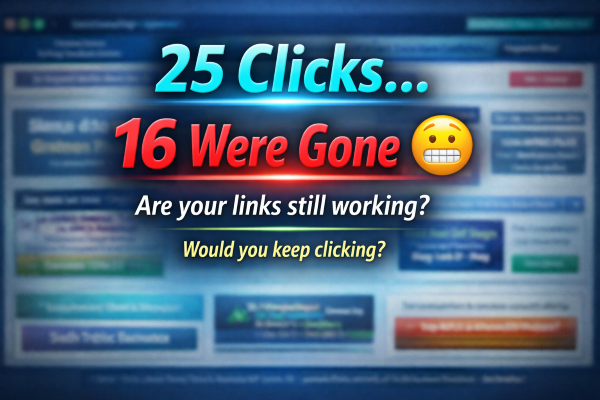
I clicked through 25 ads on one site.
👉 16 of them showed this message:
This tracker link has expired!
Now let that sink in for a second… That’s more than half. More than half of the ads I clicked… …went nowhere.
And here’s the part that matters: This isn’t about one site. This is happening everywhere.
And I’ll be honest…
This was on one of a well-known owners sites — and her sites are usually really good.
That’s what surprised me the most. But here’s the part that really made me stop and think… 👉 If I didn’t need the credits to mail out… …I probably would have stopped clicking.
And if I’m thinking that… There’s a good chance other people are too.
Not because they’re impatient. Not because they don’t want to support others. But because after hitting dead link… after dead link… 👉 it starts to feel like it’s not worth the time.
💭 What does that mean?
If someone is taking the time to click your ad… And they land on a dead page… You didn’t just lose a click.
👉 You lost a moment. 👉 You lost curiosity. 👉 You lost trust.
And chances are… They’re not coming back.
💡 The hard truth (but said kindly)
A lot of people are still promoting things like:
• Expired trackers • Old rotators • Pages they haven’t checked in months • Links that used to work
Not because they don’t care… …but because they haven’t looked.
👀 Here’s something simple you can do today
Take 5 minutes. Click your own ads. Not just one… 👉 Click several. See what others are seeing.
🌱 This isn’t about perfection
It’s about presence.
It’s about showing up and making sure what you’re sharing… …still works.
💬 Final thought
You can tell a lot about a site… Just by watching how it’s being taken care of. And the same is true for our ads.
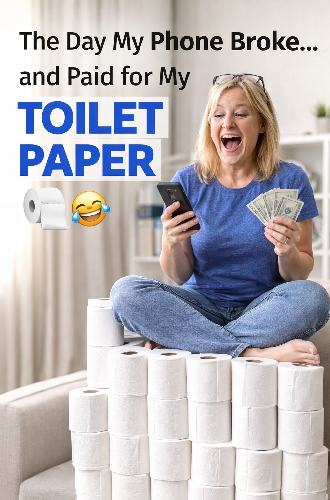
I woke up this morning thinking it was going to be just another normal day. You know… coffee, check a few things, get moving. Instead… I got a full-blown lesson in patience, technology… and apparently… toilet paper budgeting 😄
I had just put a new SIM card into my phone. At first, everything seemed fine. Then things got weird. My old number came back — which was good. Calls worked — also good. I could send texts — still good.
BUT…
I wasn’t receiving ANY texts. No incoming messages. No verification codes. Nothing.
And of course… right about that moment… 👉 my stomach decided we were having an emergency too 😳
So now I’m standing there thinking: “Great… my phone is broken… and everything depends on this working.” Stress level? 👉 Let’s just say it went from zero to MAX pretty quickly.
After a bit of digging (and calming down), I found out what was actually going on. Nothing was broken. My number was fine. The network just needed time to “catch up” after the SIM change. Apparently, even phones need a little time to figure things out. Who knew? 😄
But here’s where the story takes a turn… While I was sitting there recovering from my little panic episode… I realized something. I had just switched off US Cellular. And because of that… 👉 I’m saving $27 a month. Now most people would think: “Oh nice, that’s extra money.” Not me. Nooooo… not my brain. My brain immediately said: 👉 “Oh good — that’s my toilet paper money!” 🧻😂 Because the last time I bought the big pack at Walmart… It was $27. Exactly.
And I laughed. I mean REALLY laughed. The kind where you can’t stop. Tears in your eyes. Can’t breathe. Everything just resets.
And just like that…The stress was gone.
💙 The real takeaway
Sometimes things feel like they’re going completely wrong. Technology glitches. Things don’t work when we expect them to. Our brain jumps straight to worst-case scenarios. But then… You find out everything is actually fine. And sometimes… You even find something to laugh about.
So today? ✔ My phone is working ✔ My service is cheaper ✔ My stomach survived ✔ And I now officially have a toilet paper budget 😄
😂 Life lesson
If you can turn a stressful moment into something you laugh about… You’re doing just fine. And if that moment somehow turns into toilet paper money? Well… That’s just a bonus.
Thanks for sharing this little adventure with me today. And if you’ve ever had one of those “everything is broken… oh wait, never mind” moments…
Just know…👉 you’re not alone And maybe… 👉 you just found your own version of toilet paper money 💙
What if…you had an idea — and could actually see it come to life before it ever became reality?
Not just imagine it……but see it, tweak it, shape it, and watch it turn into something real.
Because I’ll be honest…I didn’t sit down one day and say “I’m going to build all of this.”
It didn’t happen that way at all. It started with something small.
An ugly page that needed fixing. A banner that didn’t feel right. A thought of… “there has to be a better way.”
And then something interesting happened. One small change turned into another.
👉 A rotator page 👉 Then tracking stats 👉 Then blog posts 👉 Then new headers 👉 Then Supersplash pages 👉 Then “Did You Know” pages 👉 Then a banner checker 👉 Then login spotlight improvements
Before I knew it…I wasn’t just thinking about ideas anymore. I was seeing them come to life. And here’s the part that still amazes me…
Some of these things didn’t even exist in my world before.
They started as: 👉 “What if I could do this…?” …and then suddenly… 👉 I could
Not perfectly. Not all at once.But step by step.
And the more I did…the easier it became to take the next idea and bring that to life too. So maybe the real question isn’t just:
👉 What if you had an idea…? Maybe it’s: 👉 What if you actually let yourself build it?
Because I can tell you this from experience…Once you see one idea come to life…
You’ll never look at your ideas the same way again.
“And yes… some of them started as a simple ‘what if…’ and turned into a big wooooooooooooohooooooooooooo 😄”
What if… someone really heard all of what you were trying to explain —
how you were feeling and why —
instead of only hearing the parts that felt hurtful to them?
And then… neither of you really accomplished anything.
There was a time in my life when I struggled with that.
I’ve never been very good at putting into words exactly how I was feeling or trying to say.
And sometimes… it came out wrong.
Or something I said was taken the wrong way.
Been there… done that.
Over time, I guess I’ve learned to listen more.
And I’ve definitely learned to let a person finish their whole train of thought before reacting.
Sometimes, for me, it’s better to walk away and mull it over instead of reacting right away.
Most of the time, I’ve found that after you take time to sort through what that person was really trying to say…
you can see a different perspective.
Not that I always agree with them —
but I can understand where they’re coming from better.
This is something I’ve even learned to do online with my sites.
When something breaks…
isn’t doing what it’s supposed to do…
or is just being a genuine PITA…
Those are the times you need to walk away and calm down.
Because when you come back, your mind seems to say,
“Okay… I’m ready to tackle this now.”
Even with support messages — and we all get them —
telling us everything we’ve done wrong…
Maybe you missed putting in a code…
or forgot to set a claim page…
There was a time I would get so upset with myself.
But now?
I just laugh… fix the problem… and move on.
Most of you know my favorite line by now:
“See… that proves I’m not a machine — I still make mistakes.” (giggle)
Sometimes the greatest growth comes from becoming the person you once needed most.
What if… You could talk to someone who actually listens?
What if… You had an idea — and could see it come to life before it ever became reality?
What if… You could see the other side of a story…before reacting?
What if… You had more time for yourself?
What if… You could create your own game…your own splash page…your own system… your own little corner of the internet?
What if… Firefox decided to lose your bookmarks again.
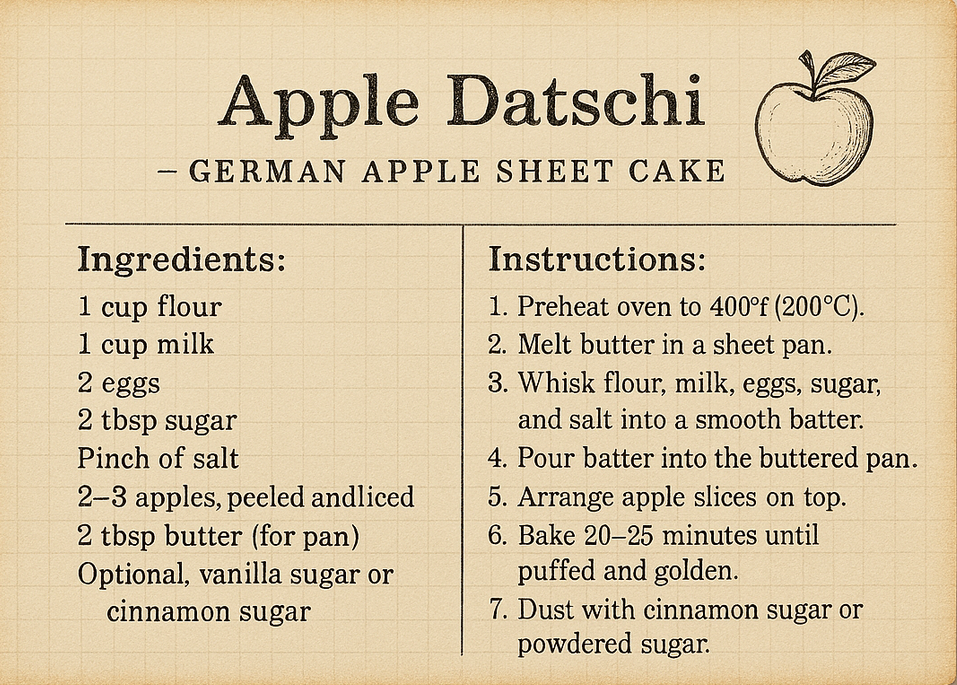
What if… You suddenly remembered a dessert from years ago…You couldn’t spell it. You barely remembered the name. All you knew was: “It was like pancake batter…you added apples…sprinkled cinnamon on top…” So you typed something like: “apple dogen” And instead of laughing at you… It quietly said, “Do you mean Apple Datschi?” And there it was. The exact recipe from someone who once was special in my life.
What if… You unlocked a talent you didn’t even know you had?
What if… You were having a panic moment — and someone calmly walked you through it?
What if… You had an image… and just wanted the color changed? Or resized? Or improved?
What if… It was just one of those off days…and nothing seemed right?
What if… You received a support ticket…and didn’t know how to answer it?
What if… You spent hours searching Google…only to find the answer in seconds?
What if… You were frustrated with support somewhere…and just needed clarity — now?
What if… You had a place to go 24/7-365-with patience-creativity and zero eye-rolling?
Now I know… Some people say machines are going to take over the world. (Giggle.) Maybe we’ve watched too many movies.
But what if… Machines aren’t here to replace us.
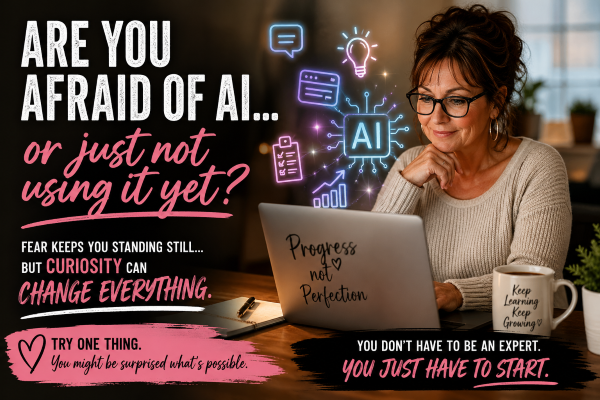
What if… They’re here to help us communicate better. To organize our thoughts. To lower stress. To give us time back. To remind us we are capable. To show us we can build things. To help us rediscover confidence. To unlock creativity we didn’t know we had.
And what if… The real power isn’t the machine. It’s the human using it.
What if… This actually helps us create a better world for our kids and grandkids?
You know how we’re all out there clicking, supporting each other’s splash pages, mailers, and traffic exchanges…
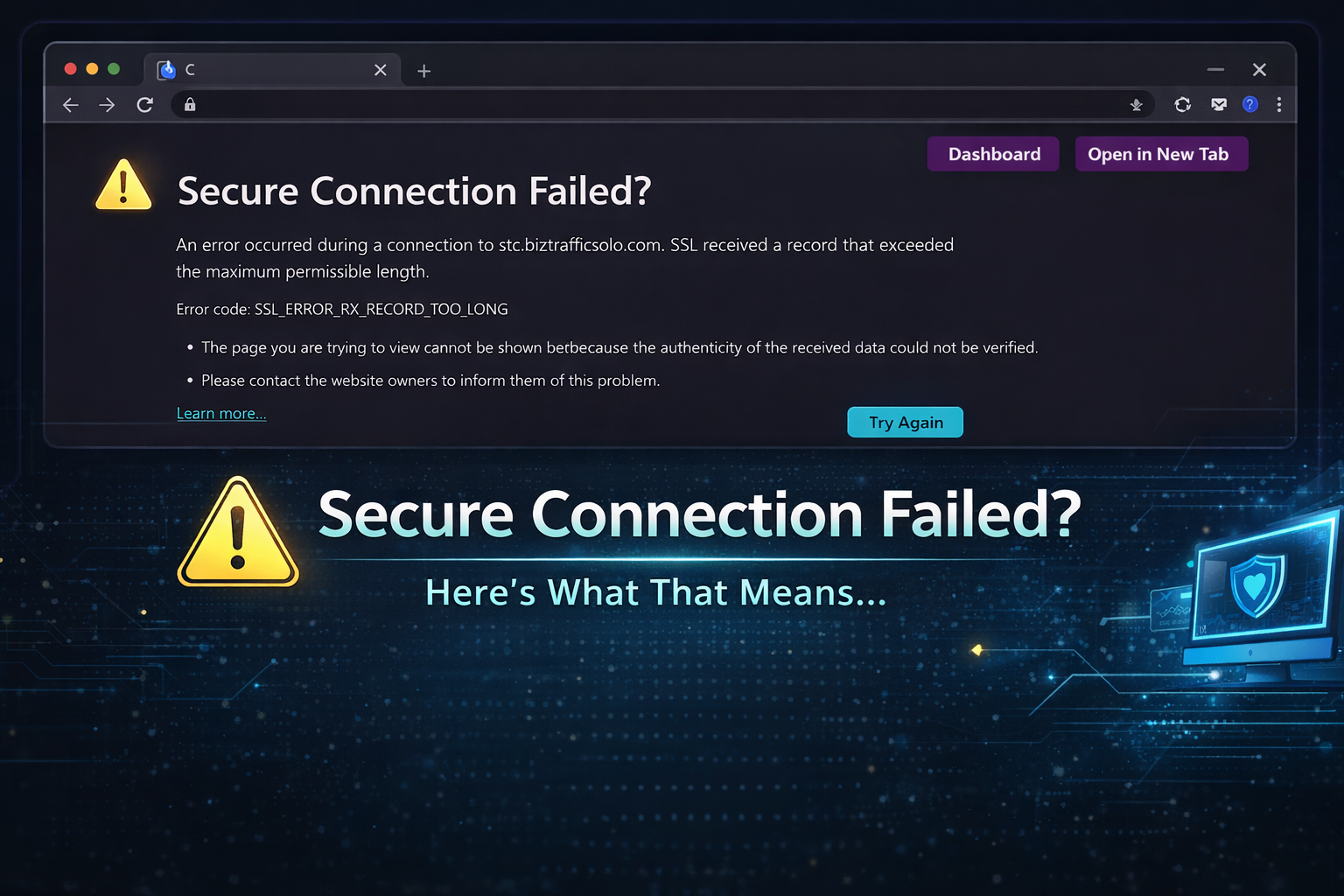
And then this pops up:
If you’ve been around long enough, you’ve probably seen it.
I see it more often than most people realize — because I really am everywhere clicking. 😉
And every time it happens, I think the same thing:
That click just got wasted.
What This Usually Means
Most of the time, it’s not anything dramatic.
It usually means:
The SSL certificate isn’t set up properly
A subdomain doesn’t have SSL attached
The site moved servers and something didn’t follow
Someone shared an https:// link when the site only works on http://
Or a tracking link is pointing to the wrong version
It’s rarely intentional.
But it does cost traffic.
Why It Matters
In TE and mailer land, every click matters.
When someone clicks your link and sees that error:
You lose exposure
They lose time
Credits may not register
Trust quietly drops
And the sad part?
Many owners don’t even know it’s happening.
A Simple 60-Second Check (For Owners)
If you run a site or promote splash pages, here’s something easy you can do:
✔ Open your link in a private/incognito browser ✔ Test both http:// and https:// ✔ Test any subdomains ✔ Test your tracking links — not just your homepage ✔ Ask a friend to test from outside your network
Don’t assume because your homepage works that every link works.
For Members
If you see this error repeatedly from the same site, gently let the owner know.
Most of us would much rather fix something than lose traffic and not know why.
We All Work Hard for Our Clicks
We promote. We surf. We mail. We rotate splash pages.
Let’s make sure our links actually land somewhere.
A working link shows professionalism. A broken one quietly loses opportunity.