
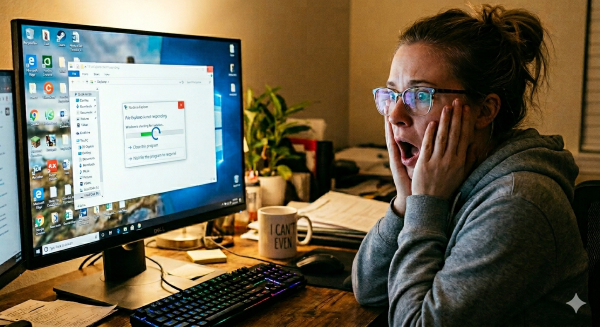
You ever have one of those moments where your computer just… stops?
Not slows down.
Not hesitates.
I mean stops — freezes, ignores you, and stares back like,
“Yeah, I’m done for today.”
Well, that was me this morning.
One second I’m minding my business, clicking around like a normal human.
The next second Windows Explorer decides to take a nap without warning.
Everything froze.
My stomach flipped.
And I thought, “Oh no. Not today. Not when I just started blogging again.”
I swear the universe has a sense of humor.
The Panic Moment
I clicked.
Nothing.
I clicked again.
Still nothing.
My heart was pounding, my stomach was doing gymnastics, and I was two seconds away from bargaining with the tech gods.
And then — because apparently I do learn things — I remembered the trick:
Ctrl + Alt + Delete ? Restart
Not a forced shutdown.
Not yanking the cord out of the wall.
Just a clean, proper reboot.
And guess what?
It worked.
Everything came back like nothing ever happened, while I was still sitting there trying to calm my nerves. I went straight to AI, explained what happened, and asked why. The explanation helped… but the part that really made me laugh was when it told me that Windows Explorer likes to be a drama queen.
What I Learned (So You Don’t Have to Panic Like I Did)
Turns out Windows Explorer can freeze for all kinds of silly reasons:
- A folder with too many pictures
- A thumbnail preview getting stuck
- A background task having a tantrum
- A shell extension misbehaving
- Or Windows just deciding it needs a moment
It doesn’t mean your computer is dying.
It doesn’t mean you broke anything.
It just means Explorer had a mood swing.
The Fix That Saved My Morning
If this ever happens to you:
- Press Ctrl + Alt + Delete
- Choose Restart and yes there is a button in the bottom right corner
- Let Windows reboot cleanly
That’s it.
No drama.
No unplugging.
No screaming into the void (unless it makes you feel better).
The Takeaway
If your computer freaks out, don’t freak out with it.
Take a breath, restart it the safe way, and let it reset itself.
And honestly?
I think the universe was just giving me my next blog topic.
Because the things I’ve learned — and survived — over the years?
Honestly, with everything I’ve been through, I should probably write a book. But for now, I’ll stick to blogging — one adventure at a time.