
You know how we’re all out there clicking, supporting each other’s splash pages, mailers, and traffic exchanges…
And then this pops up:
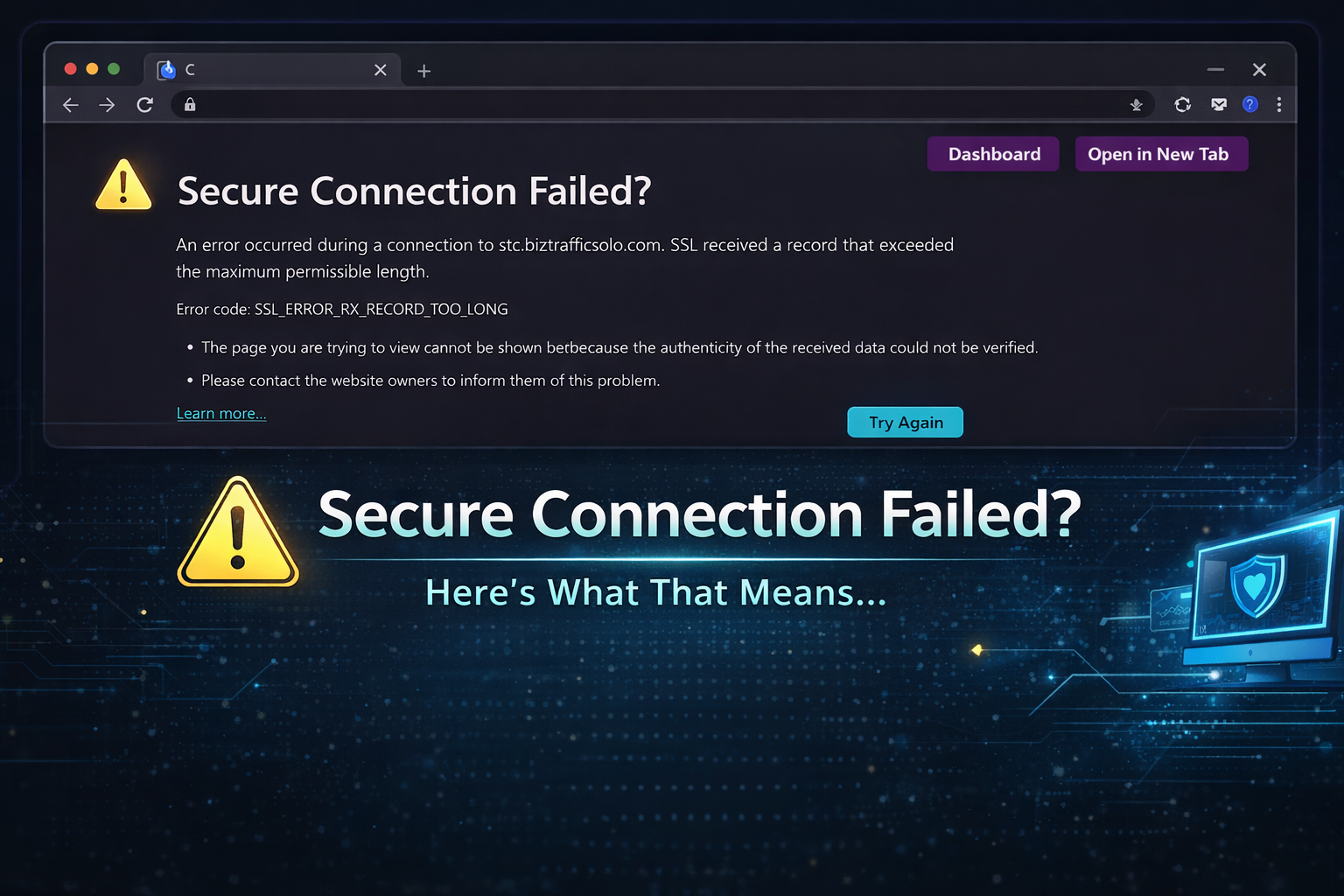
If you’ve been around long enough, you’ve probably seen it.
I see it more often than most people realize — because I really am everywhere clicking. 😉
And every time it happens, I think the same thing:
That click just got wasted.
What This Usually Means
Most of the time, it’s not anything dramatic.
It usually means:
- The SSL certificate isn’t set up properly
- A subdomain doesn’t have SSL attached
- The site moved servers and something didn’t follow
- Someone shared an
https://link when the site only works onhttp:// - Or a tracking link is pointing to the wrong version
It’s rarely intentional.
But it does cost traffic.
Why It Matters
In TE and mailer land, every click matters.
When someone clicks your link and sees that error:
- You lose exposure
- They lose time
- Credits may not register
- Trust quietly drops
And the sad part?
Many owners don’t even know it’s happening.
A Simple 60-Second Check (For Owners)
If you run a site or promote splash pages, here’s something easy you can do:
✔ Open your link in a private/incognito browser
✔ Test both http:// and https://
✔ Test any subdomains
✔ Test your tracking links — not just your homepage
✔ Ask a friend to test from outside your network
Don’t assume because your homepage works that every link works.
For Members
If you see this error repeatedly from the same site, gently let the owner know.
Most of us would much rather fix something than lose traffic and not know why.
We All Work Hard for Our Clicks
We promote.
We surf.
We mail.
We rotate splash pages.
Let’s make sure our links actually land somewhere.
A working link shows professionalism.
A broken one quietly loses opportunity.
Just something to check today.💙